
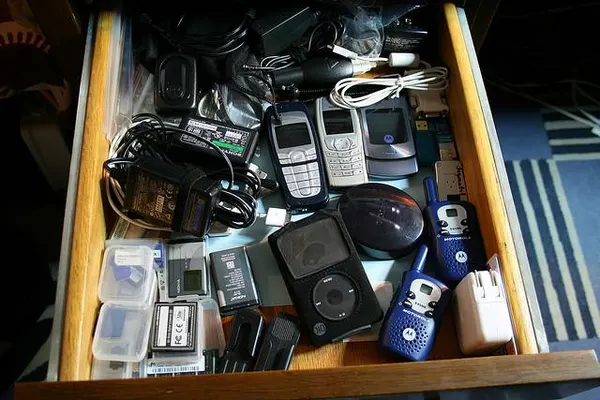
I recently found myself staring at a drawer full of “obsolete” technology. In the back corner, buried under a tangle of Lightning cables and old 30-pin connectors, sat my second-generation iPod Mini. It was the blue one, scratched up from years of being tossed into backpacks during my college days. I picked it up, expecting it to be dead weight, but the click wheel still had that satisfying tactile snap that no haptic engine has ever truly replicated.
This rediscovery happened right after I spent an hour reading through the latest iPhone news regarding memory management on newer iOS builds. It’s funny how we obsess over RAM today. I remember when the community went into a frenzy years ago because devices with under 2GB of RAM were dropped from support. In my own workflow, memory bottlenecks are still the biggest headache on my iPad Pro when I’m trying to render video while juggling Slack and Safari. Yet, here in my hand was a device with 32MB of RAM—yes, megabytes—that could scrub through a two-hour mix without a single stutter.
I decided right then to embark on a project. I wasn’t just going to charge this thing; I was going to modernize it. The iPod Mini news scene might seem dormant to the outside observer, but if you look at the modding forums in late 2025, it is more active than it has been in a decade. Here is how I brought a relic back to life and why it puts modern specs to shame.
The RAM Paradox: Why Less is More
The conversation around iOS updates news usually centers on what gets left behind. We accept that hardware has an expiration date dictated by software bloat. If you look at iPad news or the latest rumors surrounding iPod Touch news (rest in peace), the narrative is always about needing more power just to run the operating system.
My frustration with modern tech is that the overhead is massive. When I open Apple Music on my iPhone 16, I’m loading a streaming engine, a social platform, a lyric visualizer, and a recommendation algorithm. The iPod Mini doesn’t do that. It reads a file and plays it. That 32MB of RAM acts as a buffer, caching the next few minutes of audio so the hard drive (or flash storage) can spin down to save battery. It is efficiency in its purest form.
This efficiency is why the iPod revival news cycle keeps spinning. We are tired of devices that do everything okay but nothing perfectly. The iPod Mini does one thing perfectly.
The Build: Flash Modding in 2025
The first step in my restoration was addressing the storage. The original 4GB Microdrive was a marvel in 2004, but in 2025, it’s a ticking time bomb of mechanical failure. The beauty of the iPod Mini, specifically, is that the Microdrive uses a standard Compact Flash (CF) interface.
Unlike the iPod Classic, which often requires specific ZIF adapters that can be finicky, the Mini is plug-and-play if you have the right parts. I picked up a generic CF-to-SD adapter and a 256GB SD card. For a device that originally capped out at 6GB, 256GB is practically infinite. That’s enough space for my entire FLAC library with room to spare.
Opening the Mini is tricky. You have to heat up the plastic end caps to soften the glue. I used a heat gun on low, carefully prying them off without scratching the anodized aluminum. Once you slide the logic board out, it’s a simple swap. I also replaced the 20-year-old battery with a modern lithium-ion replacement I found from a specialist seller I track via Apple accessories news feeds.
The Software Dilemma: Stock vs. Rockbox
Once the hardware was prepped, I faced a choice. Do I stick with the original Apple firmware or install Rockbox? This is a hot topic in iPod news circles.
Stock OS Pros:
- The interface is iconic.
- Syncing with macOS (even in 2025 via Finder) is seamless.
- It supports ALAC (Apple Lossless) natively.
Rockbox Pros:
- Drag-and-drop file management (no iTunes/Finder needed).
- Support for FLAC, OGG, and practically any format.
- Highly customizable themes.
- Better battery management.
I chose Rockbox. Why? Because I wanted to break free from the ecosystem constraints that frustrate me with my other devices. I didn’t want to worry about Apple privacy news or telemetry. I just wanted a folder of music to play. Installing Rockbox on the Mini in 2025 is easier than ever thanks to automated installers that handle the bootloader exploits.
Audio Quality and the Wolfson Myth
There is a lot of debate in iPod Classic news and iPod Nano news threads about Digital-to-Analog Converters (DACs). The general consensus is that the 5.5th Gen Classic is the “king” because of its Wolfson DAC. However, the iPod Mini (2nd Gen) also uses a Wolfson chip, and to my ears, it sounds warmer and more dynamic than the Cirrus Logic chips found in later models.
I tested this using a pair of wired IEMs. The sound floor is surprisingly low (meaning no hiss), and the bass response is punchy without being muddy. It’s a stark contrast to the processed audio I get when reading AirPods Pro news. Don’t get me wrong, computational audio is amazing for noise cancellation, but sometimes you just want the raw signal.
Integrating Retro Tech into a Wireless World
Living with an iPod Mini in 2025 does present challenges. The biggest one is the lack of Bluetooth. I rely heavily on wireless audio. I follow AirPods news religiously and own the Max and the Pros. The Mini has a 3.5mm jack. That’s it.
To bridge this gap, I bought a high-quality Bluetooth 5.4 transmitter that plugs into the headphone jack. It’s small enough to Velcro to the back of the Mini. Now, I can pair my AirPods Max to my 2004 iPod. It looks ridiculous, but it works. I get the tactile joy of the click wheel with the convenience of noise cancellation.
I’ve also started using the Mini as a dedicated source for my home audio. While HomePod news often focuses on Siri integration and Handoff, I found that plugging the Mini directly into my receiver via an aux cable provides a better “focused listening” experience than shouting requests at a smart speaker. It’s intentional. I have to walk over, scroll to an album, and press play.
The Distraction-Free Lifestyle
The most significant benefit isn’t technical; it’s psychological. When I use my iPhone to listen to music, I am constantly bombarded. A banner notification about Apple Watch news pops up. An email comes in. I get tempted to check Apple TV news to see what shows dropped. The music becomes background noise to the administration of my life.
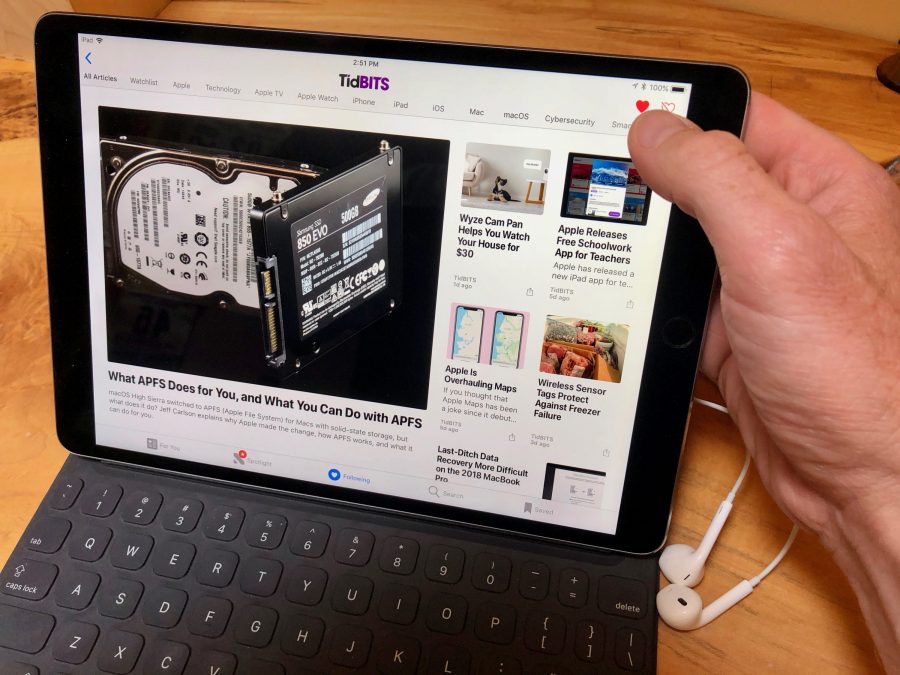
With the iPod Mini, the music is the foreground. There is no Wi-Fi. There are no apps. There is no Siri news integration to misunderstand my request. It is a single-purpose tool in a multi-purpose world.
I recently took a long flight and left my iPad in my bag. I didn’t read any iPad vision board news or try to work. I just put on headphones, spun the wheel on the Mini, and listened to an album from start to finish. It felt like a detox. My “memory headache” wasn’t about RAM for once; it was about my own mental bandwidth, and the Mini helped clear it.
The Ecosystem Gap
Using the Mini highlights what we have lost in the current lineup. I look at iPod Shuffle news archives and miss the simplicity. I look at Apple Vision Pro news and feel overwhelmed by the complexity. Apple’s current strategy is about integration—your Apple Pencil news feeds into your iPad workflow, which syncs to your Mac, which unlocks your Watch.
The iPod Mini stands outside of this. It doesn’t care about AirTag news or tracking. It doesn’t sync your health data (though I suppose I could count the calories burned scrolling the wheel if I really wanted to get into Apple health news). It is a refreshing island of isolation.
Even the accessories were simpler. I dug out an old dock with a remote. It just works. No firmware updates required. Compare that to the latest Vision Pro accessories news where even the travel case seems over-engineered. There is a charm in the mechanical simplicity of the Mini’s belt clip.
Is It Worth It in 2025?
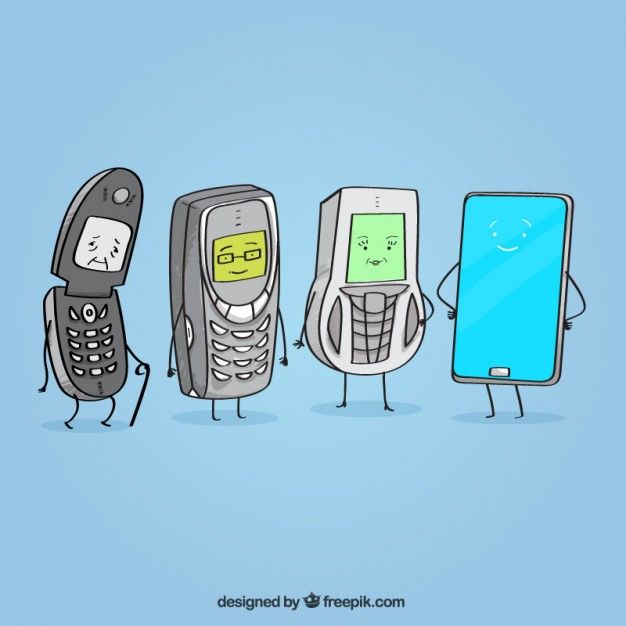
If you are thinking about doing this, be warned: it is a rabbit hole. You start with a Mini, then you find yourself reading iPod Classic news looking for a 7th Gen logic board to swap into a 5th Gen case. You might even find yourself looking up Apple AR news to see if anyone has made a repair overlay for these old devices (they haven’t, but iFixit guides are plenty).
But for me, the cost of the parts—about $60 total including the donor iPod—was the best money I’ve spent on tech this year. While everyone else is clamoring over Apple Vision Pro news and the spatial computing future, I’m perfectly content living in the click-wheel past.
We often conflate “support” with “usability.” Just because iOS dropped support for 2GB devices doesn’t mean low-spec hardware is useless. It just means it’s useless for their current objectives. For playing audio, 32MB of RAM is plenty. The hardware hasn’t changed; our expectations of what a device “must” do have inflated.
My Final Setup
Here is exactly what I am running today:
- Device: iPod Mini (2nd Gen, Blue)
- Storage: 256GB SD Card via CF adapter
- OS: Rockbox (Latest stable build 2025)
- Battery: 1300mAh Cameron Sino replacement
- Headphones: Wired IEMs for home, AirPods Pro via transmitter for commute
I even found a way to stick an AirTag inside the shell by shaving down the plastic casing, just so I don’t lose it. I guess I couldn’t completely ignore the AirTag news influence.
If you have an old iPod rotting in a drawer, dig it out. Don’t worry about the specs. Don’t worry that it can’t run the latest iOS or connect to the Apple ecosystem news cycle. That is its greatest feature. In a world where our devices are constantly screaming for attention and memory, the silence of the iPod Mini is golden.