
I thought I was done with iOS 18. But I was wrong.
Tuesday night, I found myself doing exactly what I had sworn I wouldn’t do anymore: playing tech support for my extended family’s fleet of aging Apple devices. Why? Because Apple just dropped a surprise wave of security updates for the “old” stuff—iOS 18, iPadOS 18, and even macOS Sequoia.
It’s February 2026. Most of us moved on to iOS 19 months ago. But there are millions of devices—including the iPhone 13 Mini sitting in my desk drawer—that are still running last year’s software. And apparently, they were vulnerable enough that Apple felt the need to intervene.
I grabbed that Mini to test the update. It was running iOS 18.3.1. The new patch pushed it to iOS 18.3.2. The whole process took about 18 minutes over my home Wi-Fi, which felt like an eternity for a “minor” security fix.
The “Why” Is Usually Scary
Apple doesn’t usually bother patching legacy operating systems unless something is actually on fire. They want you on the latest version. When they backtrack to patch iOS 18 or macOS 15, it usually means there’s a WebKit vulnerability being exploited in the wild.
I dug through the security content notes, and it looks like another memory corruption issue in the kernel. The kind where visiting a nasty website could theoretically let someone run arbitrary code on your device. Great.
This is the reality of the ecosystem right now. We have this fragmentation where my daily driver is on iOS 19.3, but I have to worry about the iPad Air 5 my kid uses for Minecraft because it’s still parked on iOS 18 to avoid breaking some obscure parental control config I set up last year.
Real-World Impact: The “Old” Mac Test
I also updated a 2021 MacBook Pro (M1 Pro) that we keep around as a spare. It was lingering on macOS Sequoia 15.3. The update to macOS 15.4.1 was hefty—nearly 1.2GB.
And here’s the kicker: After the update, I noticed a weird behavior with Spotlight. It spent the next 45 minutes re-indexing, sending the fans spinning up to 4000 RPM. If you’re managing a fleet of these for a small office, warn your users. They’re going to think their laptop is taking off.
On the flip side, Safari feels snappier? Maybe that’s placebo. Or maybe the patch cleared out some cache cruft. But at least it didn’t break my Homebrew setup, which is usually my biggest fear with these point releases.
Don’t Ignore the Watch
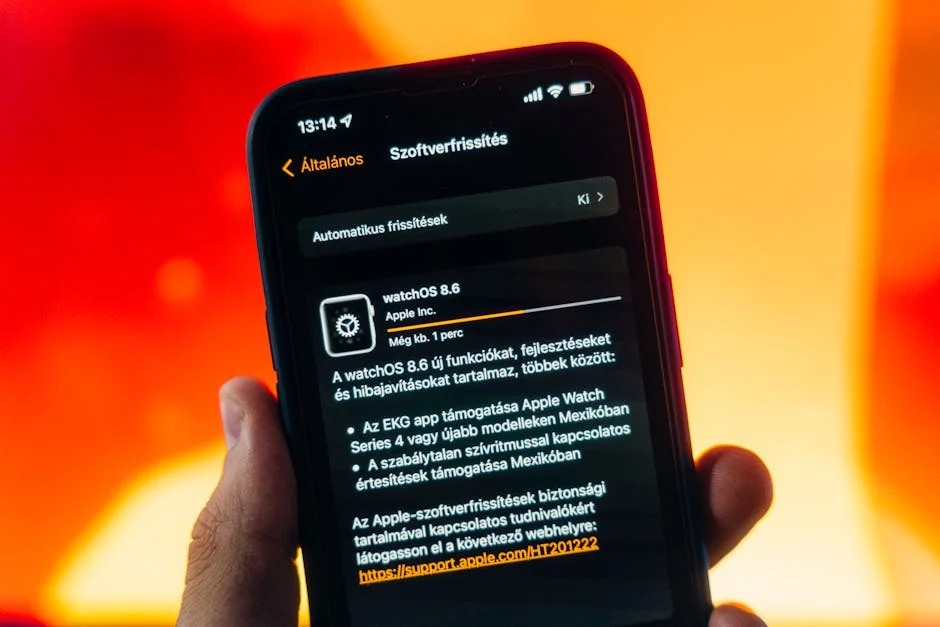
Nobody talks about the Apple Watch updates, but they released watchOS 11.3.2 alongside the others. I updated my Series 8. It took 22 minutes. Watch updates are painfully slow because the data transfer over Bluetooth/Wi-Fi to the watch is a bottleneck.
Pro tip: Turn off Bluetooth on your iPhone after the download starts on the Watch app. It forces the transfer over Wi-Fi, which is significantly faster. I cut the “Preparing…” stage down from 15 minutes to about 4 minutes doing this.
The Verdict
Look, updating old hardware is a chore. It’s boring. It feels like maintenance work on a car you’re planning to sell. But if you have devices signed into your iCloud account that aren’t on iOS 19, you need to go grab these updates. Right now.
And let’s be honest — security through obscurity doesn’t work when you’re running the same kernel as a billion other devices. If Apple is patching it now, the bad guys probably found it weeks ago.
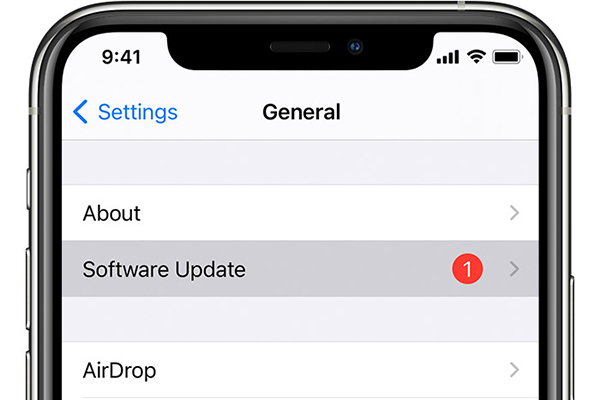
Check your settings. General > Software Update. If you see a patch for iOS 18 or macOS 15, don’t roll your eyes and close the app. Hit install. Then go make a coffee. You’ve got about 20 minutes to kill.