
I woke up this morning to a familiar, sinking feeling. My iPhone 17 Pro was hot to the touch. The screen was glowing with that stark white Apple logo on a black background. It wasn’t a crash. It was an update I thought I had successfully ignored for three days.
Somewhere between plugging it in last night and my alarm failing to go off this morning, iOS decided it knew better than I did. “Install Tonight,” I had tapped. Apparently, “Tonight” means “at the most inconvenient possible moment.”
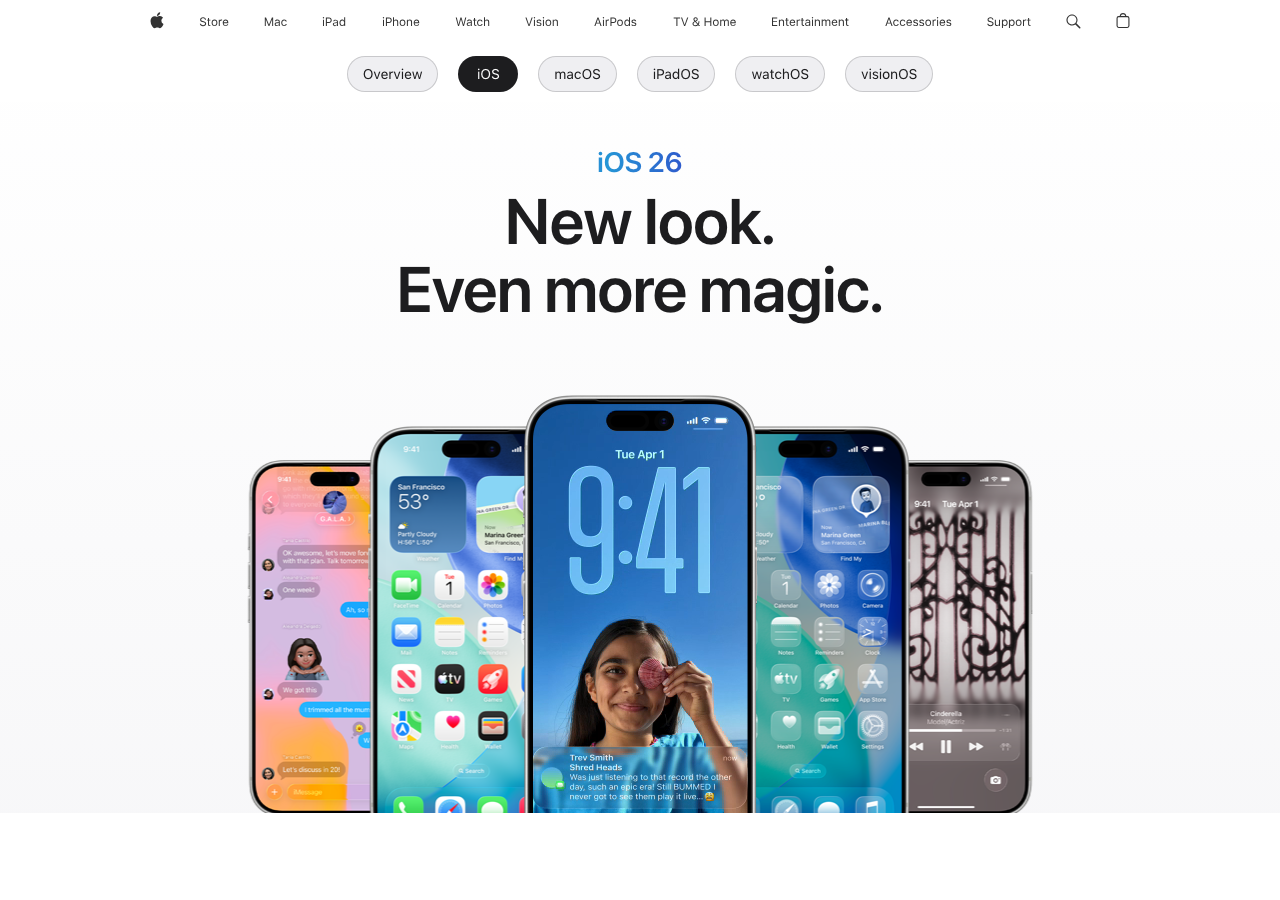
Remember when iOS updates were fun? I do. I remember rushing to download iOS 7, eager to see the flat design that everyone was arguing about. It felt like getting a new phone for free. We used to countdown to 10 AM Pacific. Now? That little red “1” on the Settings app just looks like a threat.
The “It Just Works” Myth Has Cracked
Here is the reality of being an iPhone user in early 2026: You are a beta tester. I don’t care if you’re on the public release channel. If you install a point-zero release—or even a point-one these days—you are volunteering to find out which of your banking apps breaks first.
Last month, the iOS 19.2 update dropped. I installed it. Why? Because I’m an idiot who doesn’t learn. Within an hour, I realized my keyboard haptics were gone. Just vanished. A restart fixed it, but then my battery started draining like I was mining crypto in the background. I checked the battery stats: “Home & Lock Screen” was consuming 40%. Great.
It feels like the quality assurance team at Apple is just three guys in a basement screaming into a void while the marketing team promises more AI features that nobody asked for. We aren’t getting polish anymore; we’re getting feature dumps.
The Rapid Security Response… That Wasn’t
A couple of years ago, Apple introduced Rapid Security Responses. The pitch was solid: small, quick patches that fix security holes without a full OS reinstall. It was supposed to end the constant reboot cycle.
It didn’t work.
Instead of fewer interruptions, we just have different flavors of interruptions now. I get the big updates (3GB+), the point updates (1GB+), and the security patches (reboot required). My phone spends more time “Verifying Update…” than it does making calls.
And let’s talk about that “Verifying” screen. Why does it hang there for ten minutes? What is it verifying? The meaning of life? I have a processor in this pocket that rivals a desktop from five years ago, yet checking a cryptographic signature takes long enough for me to make a sandwich. It’s maddening.
Storage Hostage Situations
I ran into a friend yesterday who was still on iOS 18. Not because he’s a luddite, but because he has a 128GB model.
“I can’t update,” he told me. “It wants 8GB of free space to install. I have 4GB free. I’m not deleting photos of my kids to get new emojis.”
This is the hidden cost of modern software bloat. The OS itself is growing like a weed. System Data—that gray bar in your iPhone storage settings that nobody can explain—eats up 20GB on my device. Apple Support says “backup and restore” to fix it. Who has time for that? In 2026, the OS should be smart enough to clean up its own temporary files without me nuking the device.
The AI Excuse
I know why this is happening. You know why. It’s the AI push.
Ever since Apple Intelligence took center stage, the OS updates have been heavy. They are packing in local models, neural engine optimizations, and contextual awareness features. That’s impressive engineering, sure. But it comes at the cost of stability.

When you shove a Large Language Model into a phone OS, things get messy. The background indexing required to make Siri actually useful (finally) is a resource hog. Every time I update, my phone spends two days re-indexing my messages and photos so the AI can know that I went to a taco truck in 2019.
Is it worth it? Maybe. But I’d trade a smarter Siri for a battery that lasts past 6 PM in a heartbeat.
The Nagging is the Worst Part
If you decide to opt out—to just sit on a stable version for a few months—the phone fights you.
It starts subtle. A badge on the icon. Then, a notification in the Notification Center. Then, the pop-ups. “A new iOS update is available. Install Now or Later?”
There is no “Never” button. There is no “Leave me alone until I’m ready” button. There is only “Tonight” or “Remind Me Later.” It’s coercive design. It treats the user like a child who refuses to eat their vegetables.

I tried to stay on iOS 18.4 for a while because it was rock solid. But one morning, I groggily hit the wrong button on the prompt while trying to turn off my alarm. Game over. Update started. Phone unusable for 20 minutes.
We Need a “Snow Leopard” Year
For the graybeards in the room, you remember Mac OS X Snow Leopard. It had almost no new features. The box literally said “0 New Features.” It was purely under-the-hood optimization. It was fast, stable, and arguably the best OS Apple ever shipped.
We are desperate for an iOS Snow Leopard.
Stop giving us new Control Center widgets. I don’t need more ways to customize my lock screen font. I need the camera app to open instantly when I press the button, not hang for two seconds while the shutter lags. I need AirDrop to work the first time, not the third time after I toggle Bluetooth off and on.
Until then, I’m treating every update notification like a suspicious email. I check the forums. I wait for the YouTubers to sacrifice their devices first. And I definitely, absolutely, do not click “Install Tonight.”