

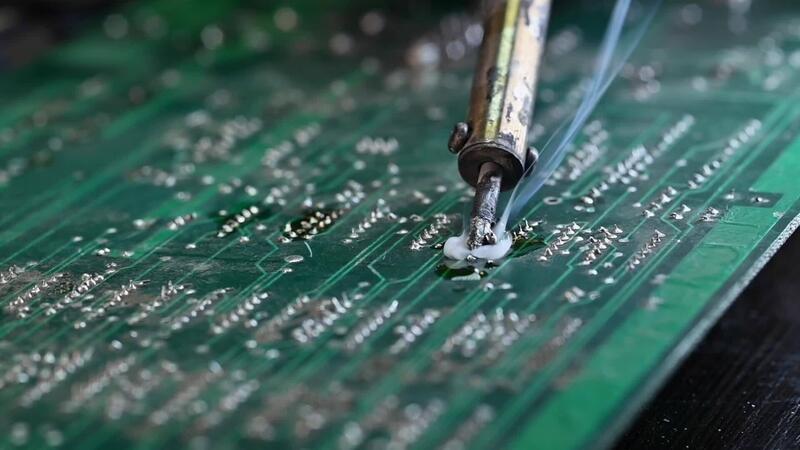
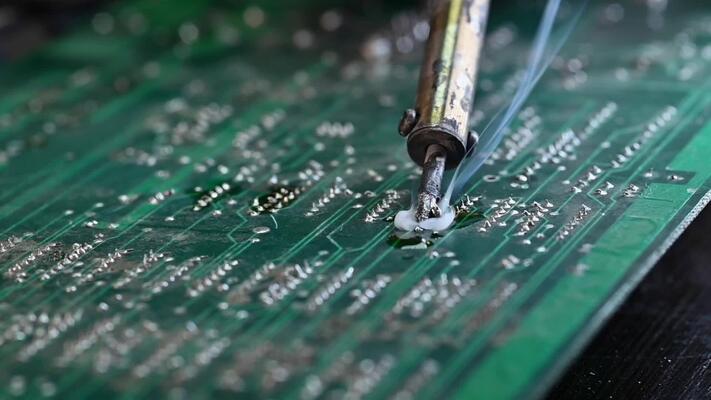
I spent my Tuesday night squinting through a magnifying glass, trying to desolder a battery connection that is literally smaller than a grain of rice. One wrong twitch, and I burn the logic board. Game over.
Why am I doing this? Because apparently, I’m stubborn.
It’s been a little over a year since Apple officially moved the final iPod Nano and iPod Shuffle models to their “obsolete” list. That happened back in late 2024. When the news dropped, the tech press wrote their eulogies, people posted nostalgic photos of their colorful clip-on squares for a day or two, and then the world moved on to the next iPhone rumor.
But here we are at the end of 2025, and I’m still using a device with no screen, 2GB of storage, and a control scheme that consists entirely of a clicking wheel. And honestly? It’s still the best piece of workout hardware ever made. Fight me.
The “Obsolete” Badge of Honor
Let’s be real about what “obsolete” actually means in Apple-speak. It doesn’t mean the device stops working. It just means Apple Stores and authorized service providers won’t repair them anymore. They won’t order parts. If you walk into a Genius Bar with a dead Shuffle today, they’ll politely tell you to recycle it and buy an Apple Watch.
But for those of us in the repair community, the “obsolete” tag is basically a challenge. It’s a signal that the hardware is now fully ours. No more warranties to void. No more hope of official support. We are on our own.
The irony, of course, is that Apple never really “repaired” Shuffles anyway. If you brought in a broken 4th-gen Shuffle back in 2015, they didn’t crack it open and swap a capacitor. They just tossed it in a bin and handed you a refurbished unit. These things were designed to be disposable. Sealed shut with aggressive adhesive, components layered like a tiny, impossible lasagna.
Fixing them now? It’s a nightmare. But it’s a necessary one.
Why We Cling to the Clip
You might ask why I bother. Why not just use an Apple Watch? It holds music. It has Bluetooth. It tracks my heart rate.
Here’s the thing: I don’t want a computer on my wrist. I don’t want notifications tapping me while I’m trying to hit a PR on the bench press. I don’t want to navigate a tiny OLED touchscreen with sweaty fingers.
The iPod Shuffle (specifically the 4th gen) mastered a specific kind of user interface that we’ve completely lost: tactile blindness. You can reach up to your collar, feel the ring, and skip a track without breaking your stride or shifting your focus. You know exactly where the button is. The “click” gives you instant physical confirmation.
Touchscreens have zero tactile feedback. Haptics try to fake it, but it’s not the same. You have to look. You have to engage your brain. The Shuffle demands nothing from you. It just plays music.
Plus, the DAC (Digital-to-Analog Converter) in these older units has a certain warmth to it. Maybe that’s placebo. Maybe it’s just that wired headphones still sound better than compressed Bluetooth audio. But plugging a pair of decent IEMs into a Shuffle remains a surprisingly high-fidelity experience in 2025.
The Surgery
So, back to my Tuesday night struggle. Since Apple cut support, the aftermarket parts market has become the Wild West. You can still find batteries on eBay or AliExpress, but quality control is a joke. I bought three batteries last month; one was dead on arrival, one had leads that were too short, and the third is the one currently testing my patience.
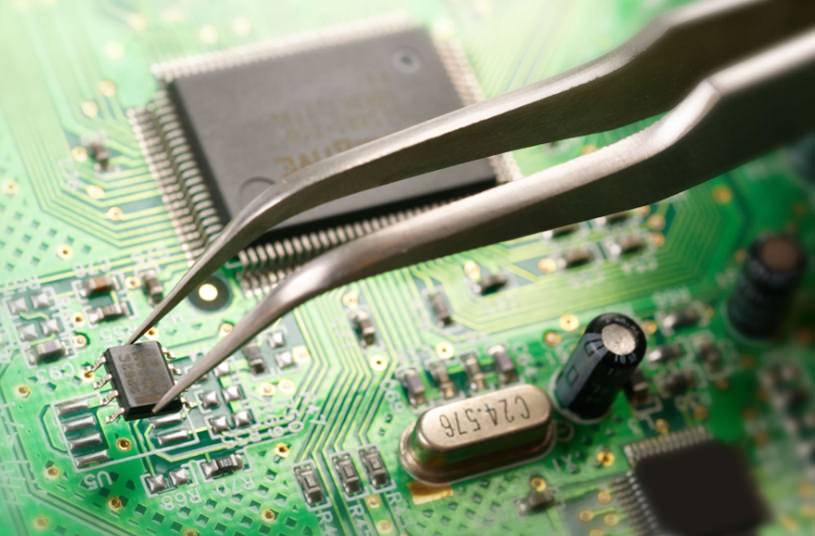
Opening a 4th-gen Shuffle is not for the faint of heart. You have to apply heat to soften the glue holding the back cover, but not so much heat that you melt the plastic buttons on the front. It’s a terrifying balance.
Once you’re in, you realize just how impressive the engineering was. The logic board wraps around the headphone jack. The battery is wedged into a space that shouldn’t exist. The ribbon cables are paper-thin.
I managed to get the new battery soldered in. It took me 45 minutes and a lot of cursing. But when I flipped the switch and saw that little green LED light up? Pure dopamine. You don’t get that feeling from downloading a software update.
Living with “Dead” Tech in 2025
Keeping a Shuffle alive today isn’t just about hardware repair. It’s a software battle too. macOS in 2025 barely acknowledges the existence of iPods. The Finder integration is clunky, often timing out or refusing to sync certain file formats.
I actually keep an old 2012 MacBook Pro running macOS Mojave just for music management. It’s my “offline station.” It runs iTunes (remember that?), handles my MP3 library, and syncs to the Shuffle without complaining. It feels like a ritual. I have to intentionally curate a playlist, plug in the device, and wait for the sync.
It forces me to be selective. With 2GB of storage, I can’t just dump my entire library. I have to choose the 200 songs I really want to hear right now. That constraint makes the music feel more valuable. I’m not skipping tracks constantly because I hand-picked every single one of them.
The Bluetooth Mod Question
I’ve seen a few people in the modding scene try to shove Bluetooth transmitters into Shuffles. There’s a guy on a forum I frequent who managed to fit a tiny BT 5.0 chip inside a 3rd gen Shuffle (the stick one without buttons—a terrible design, by the way, but great for modding space).
I respect the hustle, but I think it misses the point. If I wanted wireless, I’d use my phone. The tether is a feature, not a bug. It means the battery lasts for days. It means zero latency. It means I never have to deal with pairing issues or “left earbud not connecting.”
You plug it in. It works. Every time.
It’s Not About Nostalgia
People accuse me of being stuck in the past. “Just use Spotify,” they say. “It’s so much easier.”
They aren’t wrong. Streaming is easier. But “easy” isn’t always “better.” We’ve spent the last decade removing friction from our lives, and in the process, we turned music into background noise—a utility like tap water. The iPod Shuffle treats music as something you carry with you, physically.
When Apple declared these things obsolete last year, they were making a business decision. They don’t want to stock parts for a $49 device from 2010. I get it. Shareholders need their returns.
But obsolescence is a mindset. A device is only obsolete when it stops doing the job it was built for. My Shuffle still plays music. It still clips to my shirt. It still survives being dropped on the pavement.
As long as I can find a soldering iron and a sketchy battery from a warehouse in Shenzhen, this thing isn’t going anywhere.